Alert Fatigue Is an Observability Problem
Night time pages are heart attacks, not diabetes.

Alert fatigue is the expected result of traditional monitoring when it’s working correctly.
Every alert fired as configured. Threshold crossed, notification sent, system did its job. The alerts are not broken. The model is. You built a machine that watches numbers and shouts when one crosses a line. In a complex system, that machine shouts all the time. The on-call team tunes it out. The alerts that matter get lost in the noise.
The fix is not fewer alerts — it’s alerting on the right signal.
The Machine That Always Cries Wolf
A static threshold assumes anything above X is wrong. In real systems, that is almost never true. Daily traffic, weekend shifts, deployments, or seasonal spikes all break that rule. What matters at 2pm on Tuesday does not matter at 3am on Sunday.
It’s a feedback loop. The noisier the alerts, the more you ignore them. The more you ignore, the more real issues slip by. So you add more alerts to catch what you missed, and the noise just gets louder.
To fix alert fatigue, you need to rethink what you measure—not just tweak the numbers.
A Better Question
If static thresholds ask “did this number cross a line?”, SLO-based alerting asks “is the user experience degrading, and how fast?” That’s a fundamentally different question — and it’s the one that actually matters.
Burn rate alerts fire when your error budget drains faster than the baseline depletion rate allows. They do not care about 2pm or 3am. They do not care if p99 crossed some random threshold. They ask: at this rate, when do you run out of budget? And they give you a head start.
If you’re burning through your budget 14 times faster than the rate that would exhaust it over the full 30-day window, someone gets paged right away. If it’s 6 times faster — sustained across both a one-hour and a six-hour window — it’s urgent but not a fire drill. A burn rate below 2× means you have roughly two weeks of budget remaining at that rate; that earns a ticket for investigation during business hours, not a 3am page. The response matches how quickly you’re heading for trouble, not just whether a number jumped.
Ticket / Slack — investigate this week
Notify the team — escalate if on-call can’t resolve
Page on-call — major incident if users hit hard
Teams who move past static thresholds use multi-window, multi-burn-rate alerts. These catch the slow burns and creeping trends that old alerts miss.
The Alert Audit
Even if you’ve switched to SLO-based alerts, you probably still have threshold alerts that were never retired. Start by reviewing them.
For each active alert, ask one question: when this fires, what does the on-call person actually do? If the honest answer is check a few things and close it, the alert is not actionable. Fix it or remove it. An alert that does not drive action is just noise.
As you clean up, track three things: how many alerts fire, how many lead to real action, and how fast people respond. You want fewer alerts, more action, and faster response. If all three improve, the cleanup is working. If only the volume drops, you might be missing something important.
FIGURES ARE INDUSTRY-SURVEY MEDIANS — DIRECTIONAL, NOT ABSOLUTE
Route Alerts by Severity
Not every alert needs the same channel. P0 issues that burn your error budget fast go to PagerDuty and wake someone up. P1 issues go to an incident channel with a clear 30-minute response goal. Everything else goes somewhere passive: a Slack channel, a ticket queue, or a weekly review. The person asleep at 3am should only be woken for alerts where delayed response directly accelerates budget burn.
Suppress alerts during planned maintenance windows. An alert that fires during an intentional deployment is not signal — it’s confirmation that you deployed.
SOMEONE
HOURS
INTERRUPTION
What Trustworthy Looks Like
The goal is not zero alerts. A system that never alerts lacks visibility into failures.
The goal is alerts you trust. A small set that fires rarely, means something every time, and tells the person what to look at. That is what makes on-call tenable and alerts worth trusting.
Maintain and protect your trusted alert set. Require that new alerts prove their value before adding them.
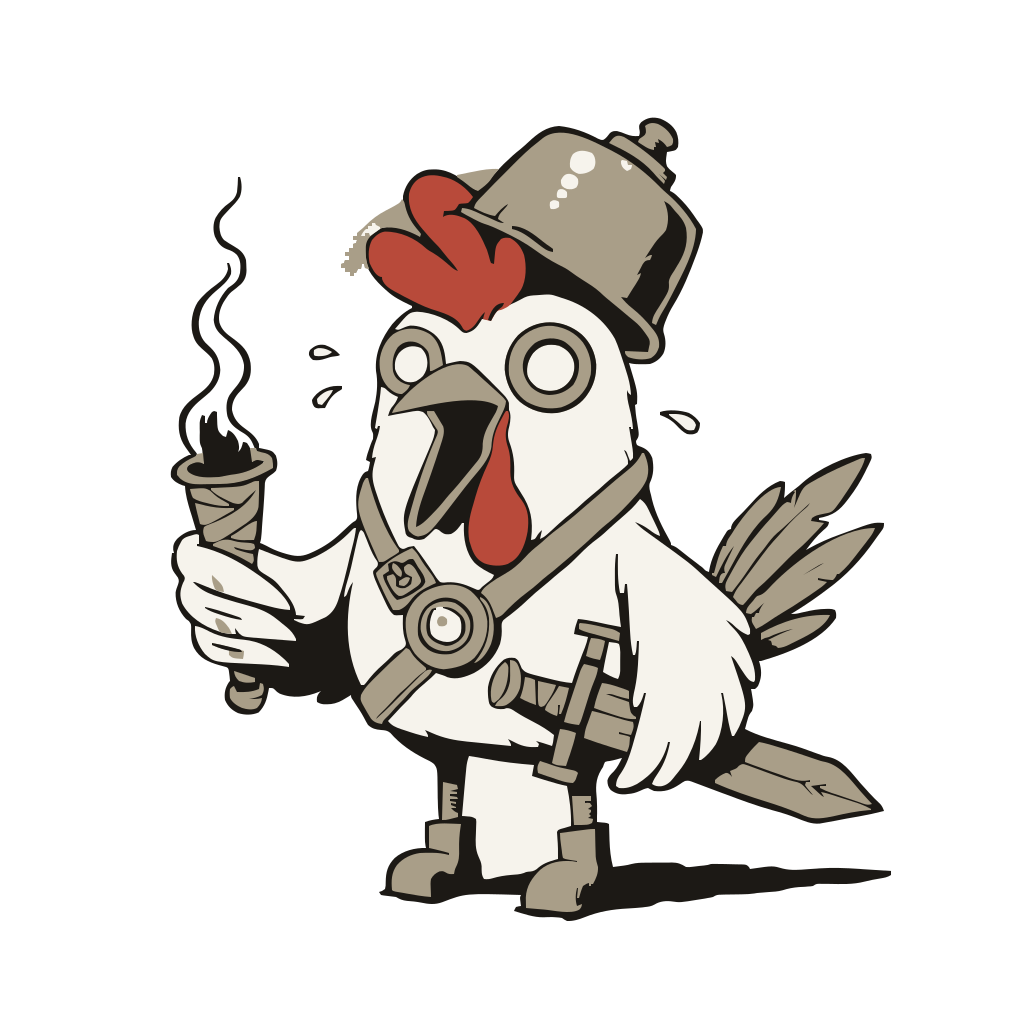
BWOCK!! WOLF!! ...ok, the wind. WOLF!! ...the nightly cron. WOLF!! ...a deploy, probably fine. One of these is the real outage, I swear it. You will have to check every single one to find out which. That is my whole gift. I am level 1. I will never stop.
This is the same reactive-vs-proactive argument that runs through the whole publication — see Observability 1.0 meant forensics. Observability 2.0 means prevention. for the broader case.
One observability idea, every Tuesday
A short take, one thing to try that week, and a link to the full article. No vendor pitches.
Subscribe on Substack